
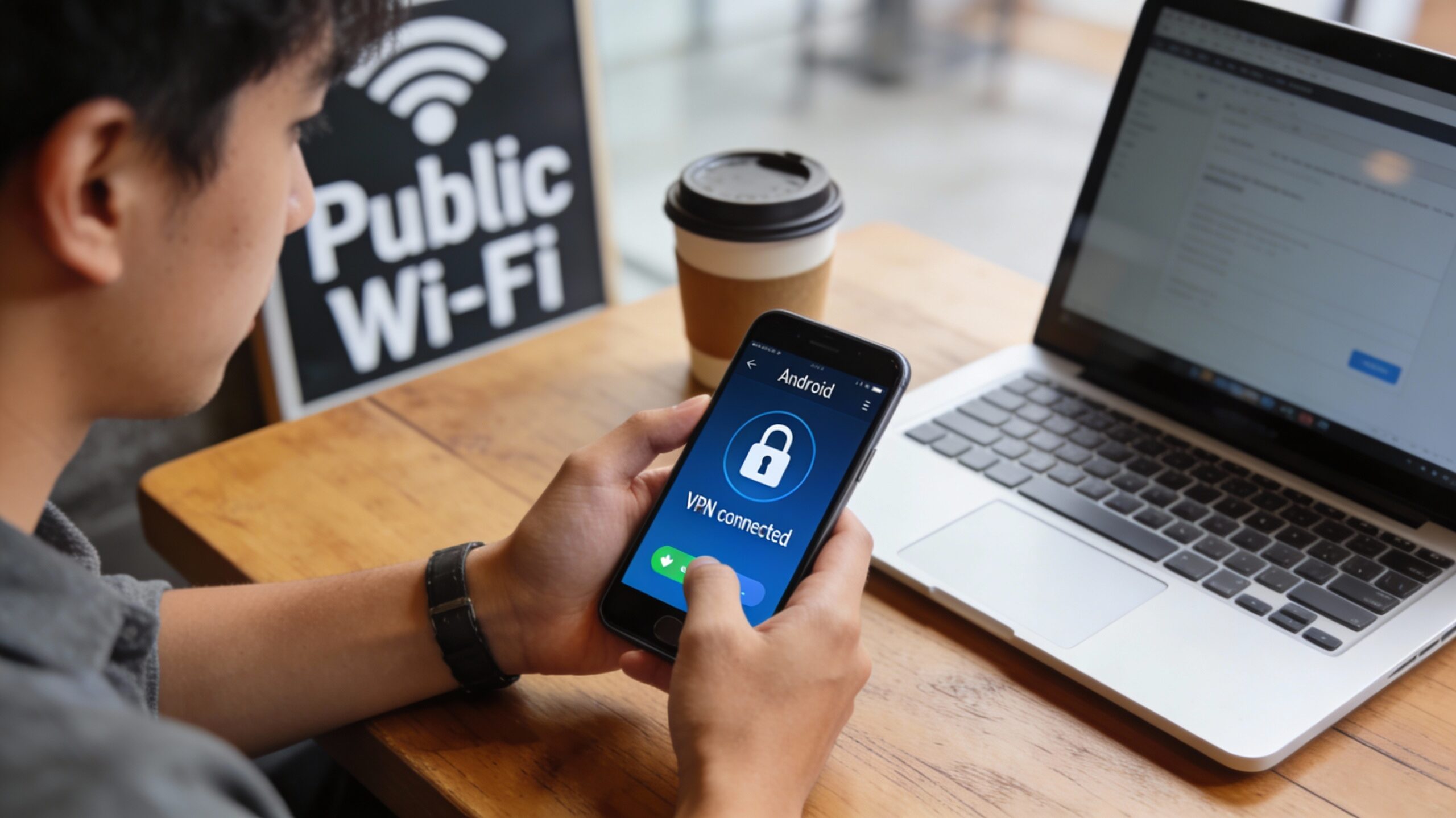
How to Secure Android Phone from Hackers
In today’s digital age, keeping your Android phone secure is more important than ever. With the rapid advancements in technology, hackers have become increasingly sophisticated, employing a variety of methods to infiltrate devices and access personal data. As smartphones become integral to daily life, safeguarding them against cyber threats is crucial. This guide will help you understand how to secure android phone from hackers using various strategies, mobile security solutions, and phone security apps, ensuring your personal information remains safe and private.
Summary: This guide explains how to protect your Android phone by understanding common threats (malware, phishing, and unsecured networks) and applying layered defenses. Key actions include using strong passwords or biometrics, keeping your OS and apps updated, installing reputable security apps, and downloading only from trusted sources while managing app permissions. Further strengthen security with a VPN on public Wi‑Fi, enable two-factor authentication, and maintain regular cloud and local backups. Stay vigilant by monitoring accounts for suspicious activity and staying informed about emerging mobile security risks and best practices. Together, these steps help secure android phone data and privacy.

Common Android security threats
Before diving into solutions, it’s crucial to understand the types of threats your Android phone might face. Awareness is the first step in defense. Here are some common risks:
- Malware: Malicious software designed to harm your device or steal information, including viruses, worms, and trojans that exploit system vulnerabilities, often hidden within seemingly harmless apps or files. Once installed, they can cause significant damage, from slowing down your device to stealing sensitive data. For an overview of how Android’s built‑in protections scan for harmful apps, see Google Play Protect.
- Phishing attacks: Fraudulent attempts to obtain sensitive information by disguising as a trustworthy entity. These attacks often come in the form of emails, text messages, or fake websites that trick users into providing login credentials or financial information. Learn more in the FTC guide on how to recognize and avoid phishing scams.
- Unsecured networks: Using public Wi‑Fi can expose your data to attackers. Hackers can intercept data transmitted over these networks, capturing passwords, credit card numbers, and other personal information without your knowledge. The UK National Cyber Security Centre explains how to use public Wi‑Fi safely.
Understanding these threats is essential for developing a robust defense strategy. By recognizing potential risks, you can take proactive measures to protect your device and personal information.
Why phone security matters
Securing your phone isn’t just about protecting personal data; it’s about safeguarding your digital identity and financial stability. Identity theft is a growing concern, where hackers use stolen information to impersonate individuals, leading to unauthorized transactions and financial loss. The FTC’s identity theft resources explain what to watch for and how to respond.
Additionally, a compromised phone can lead to breaches in privacy, with hackers gaining access to photos, messages, and other sensitive information. This can have profound impacts, from personal embarrassment to professional repercussions.
Use strong passwords and biometrics
One of the simplest ways to protect your phone is by using strong, unique passwords or biometric security measures like fingerprints or facial recognition. These methods create a formidable barrier against unauthorized access.
- Create complex passwords: Avoid using easily guessed passwords and include a mix of letters, numbers, and symbols. Consider using a password manager to generate and store complex passwords securely, ensuring you don’t forget them. The UK NCSC’s advice on using passwords outlines practical best practices.
- Enable biometric authentication: Most modern Android phones support fingerprint or face recognition, adding an extra layer of security. Biometrics are convenient and difficult for hackers to replicate, making them a reliable defense mechanism.
Keep Android and apps updated
Updating your phone’s operating system and apps is crucial for security. Developers frequently release updates to patch vulnerabilities that hackers might exploit.
- Enable automatic updates: This ensures you never miss an important security patch. Automatic updates provide peace of mind, knowing your device is always up to date with the latest security enhancements; see Google’s guide on updating your Android version.
- Regularly check for updates: Manually check for software updates if automatic updates are disabled. Staying vigilant and proactive in checking for updates can protect you from newly discovered threats.
Install reputable mobile security apps
There are numerous mobile security solutions available that offer real-time protection against threats. These phone security apps can detect and neutralize threats before they cause harm.
- Popular phone security apps: Consider phone security apps like Norton Mobile Security, McAfee Mobile Security, and Avast Mobile Security. These apps provide comprehensive protection, including malware scanning, anti-theft features, and web protection.
- Features to look for: Ensure the app offers malware scanning, anti-theft measures, and web protection. Additionally, features like call blocking, safe browsing, and privacy auditing further enhance your security.
Download apps safely and manage permissions
Be cautious when clicking links in emails or downloading apps from unofficial sources, as these can be entry points for malware and other threats.
- Stick to Google Play Store: Download apps only from trusted sources like the Google Play Store. The Play Store has security measures to vet apps for malicious behavior, and Google Play Protect scans apps regularly.
- Check app permissions: Review the permissions an app requests before installation and during updates. Be wary of apps that ask for unnecessary access to your contacts, messages, or location, as these could be signs of malicious intent; see Google’s guide on controlling app permissions.

Use a VPN on public Wi‑Fi
A Virtual Private Network (VPN) encrypts your internet connection, making it harder for hackers to intercept your data. It provides a secure tunnel for your online activities, ensuring privacy and security.
- Benefits of a VPN: It hides your IP address, encrypts data, and secures your connection on public Wi‑Fi, which is particularly useful when accessing sensitive information or conducting financial transactions on the go. Proton’s guide on what a VPN is and how it works offers a clear explanation.
- Choosing a VPN: Look for one with strong encryption protocols and a strict no‑logs policy. A reputable VPN provider will ensure your data remains private, with no records of your online activities.
Enable two-factor authentication (2FA)
Two-factor authentication (2FA) adds an extra step to your login process, making it harder for unauthorized users to access your accounts. This additional layer of security can thwart hackers even if they have your password.
- How 2FA works: After entering your password, you’ll need to provide a second form of verification, like a code sent to your phone or a prompt in an authentication app. This ensures that only you can access your account, even if your password is compromised.
- Enable 2FA for apps: Many apps, including social media and banking apps, offer 2FA for increased security. You can start with your main email by following Google’s 2‑Step Verification guide.
Back up your data regularly
Backing up your data ensures you don’t lose important information if your phone is compromised, lost, or damaged. It provides a safety net, allowing you to restore your data in case of a security breach or device failure.
- Cloud backups: Use cloud services like Google Drive or Dropbox for automatic backups. Google explains how to back up or restore data on Android, and Dropbox offers guidance on Android backups.
- Local backups: Store backups on an external device for additional security. Having a physical copy of your data ensures you can recover it even if cloud services are unavailable or your account is compromised.
Review permissions and monitor accounts
Over time, apps may request new permissions that compromise your security. Regularly review app permissions and revoke any that seem unnecessary to maintain privacy and prevent apps from overstepping their bounds.
Keep an eye on your financial and online accounts for any unauthorized activity. Early detection can prevent further damage, so set up alerts for unusual transactions and review account statements regularly to catch any discrepancies.
Stay informed about mobile security
Stay informed about the latest security threats and best practices, because knowledge is one of the best defenses against cyber threats. Follow cybersecurity news, participate in online forums, and consider taking short courses to enhance your understanding of digital security. Reputable sources include Krebs on Security and the mobile security coverage on The Hacker News.
Protecting your Android phone from hackers requires a combination of good habits and practical tools. By following these guidelines, you can significantly reduce your risk of falling victim to cyberattacks. From using strong passwords and installing reputable phone security apps and mobile security solutions to enabling two-factor authentication and using a VPN, each step you take helps secure android phone use and enhances your phone’s security.
Stay vigilant and proactive, and you’ll ensure your personal information remains safe and secure. In a world where digital threats are ever-present, taking these precautions not only protects your device but also provides peace of mind, allowing you to enjoy the benefits of technology without fear.
Q&A
Question: What kinds of attacks should I watch for on Android?
Short answer: The most common threats are malware, phishing, and unsecured networks. Malware hides in seemingly harmless apps or files and can slow your device or steal data. Phishing tricks you via emails, texts, or fake sites into giving up passwords or financial details; see the FTC guide on phishing scams. Unsecured public Wi‑Fi lets attackers intercept data you send, including logins and payment info, which is why agencies like CISA urge users to secure their smartphones now.
Question: What’s the best way to prevent someone from unlocking my phone or accessing my accounts?
Short answer: Use strong, unique passwords and enable biometric authentication (fingerprint or face recognition). A password manager can generate and store complex passwords, following best practices like those in the NCSC’s password guidance. Turn on two‑factor authentication (2FA) wherever possible—after your password, you’ll provide a second verification (like a code sent to your phone), which protects accounts even if a password is compromised; Google’s 2‑Step Verification page shows how to start.
Question: Why do updates matter, and how do I make sure I’m protected?
Short answer: Updates patch security vulnerabilities that hackers target. Enable automatic updates for your Android OS and apps so you don’t miss critical fixes, and periodically check for updates manually if auto‑updates are off. Google’s help article on updating Android walks through the steps.
Question: Do I need a mobile security app, and what features should I look for?
Short answer: A reputable security app adds real‑time protection that can detect and neutralize threats early. Consider well-known phone security apps like Norton Mobile Security, McAfee Mobile Security, or Avast Mobile Security. Prioritize features such as malware scanning, anti-theft tools, and web protection; extras like call blocking, safe browsing, and privacy auditing further strengthen your security.
Question: What ongoing habits will keep my phone secure day to day?
Short answer:
- Install apps only from trusted sources like the Google Play Store, and review requested permissions—deny or uninstall apps that ask for unnecessary access.
- Use a VPN on public Wi‑Fi to encrypt your connection, hide your IP, and prevent interception; a reputable provider with strong encryption and a no‑logs policy is essential.
- Back up regularly to the cloud (e.g., Google’s Android backup or Dropbox) and keep local backups for redundancy.
- Monitor financial and online accounts for unusual activity and set up alerts, using FTC resources on identity theft if you spot anything suspicious.
- Stay informed about emerging mobile security risks and best practices so you can adapt quickly, using sources like CISA’s mobile security updates and independent security blogs.